
Safer Internet Day 2026 - Smart tech, safe choices.
This week, our whole school took part in Safer Internet Day, a special opportunity to learn more about how we can use the internet and digital technology safely, sensibly, and responsibly. Every class got involved with activities, discussions, and creative work to help everyone become confident and thoughtful digital citizens.
🤖 Learning About AI and Smart Technology
Our Digital Citizens from Wise Owls led an engaging assembly all about:
- What Artificial Intelligence (AI) is
- How smart technology is used in our daily lives
- How to make safe, sensible choices when using online tools
They helped everyone understand that while AI and smart tech can be exciting and useful, it’s important to think carefully about what we do online.
🌐 Remembering the SMART Rules
Throughout the day, children revisited the SMART Rules, which guide us in staying safe online:
- S – Stay Safe: Keep personal information private.
- M – Don’t Meet Up: Never arrange to meet someone you’ve only spoken to online.
- A – Accepting Files: Be careful when clicking links or opening messages.
- R – Reliable?: Check whether information is trustworthy.
- T – Tell Someone: Talk to an adult if something online makes you worried or unsure.
Classes explored these rules through stories, discussions, role-plays, and practical activities.
🎨 Sharing Our Learning
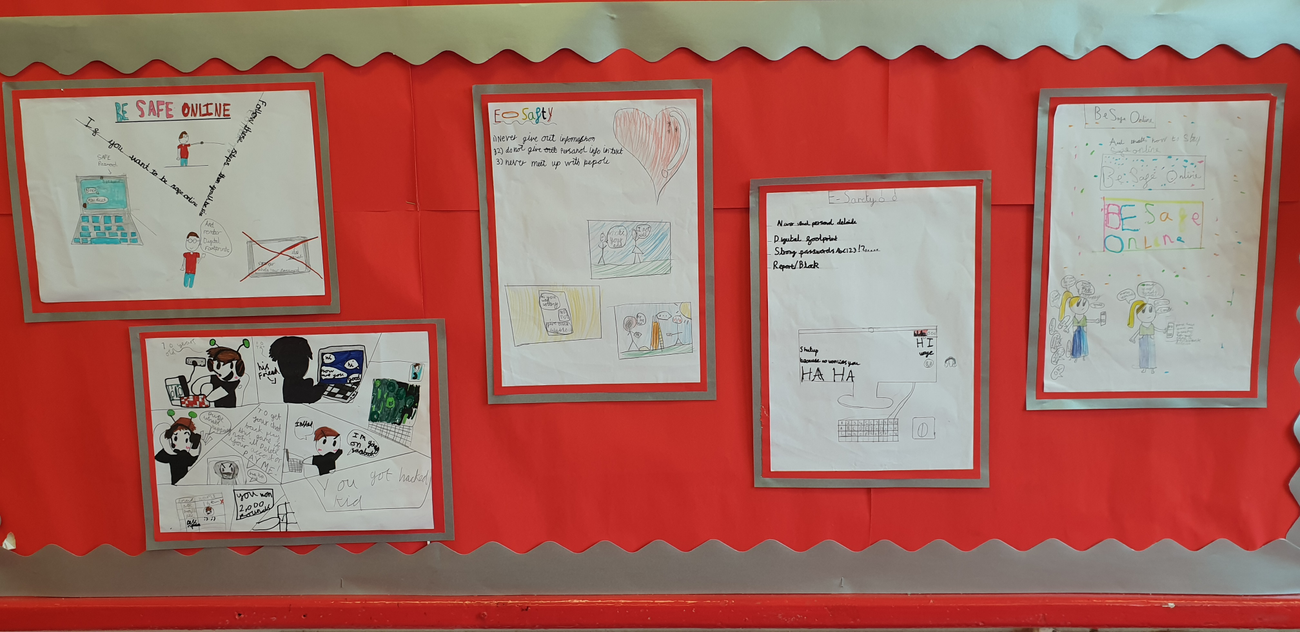
Each class created their own Safer Internet Day work—posters, writing, artwork, digital presentations, and more. All children were invited to bring their work to Mr E, so we can celebrate the fantastic learning and display the messages around school.
🌟 A Whole-School Effort
Safer Internet Day was a brilliant reminder that online safety is something we think about all year round. We’re proud of how our pupils showed curiosity, responsibility, and creativity while exploring how to stay safe online.
Online Safety
When you are using the internet at school or at home it is very important that you stay safe.
Remember if you see something on the internet that concerns you:
- FLAG IT
- BLOCK IT
- REPORT IT
The younger children in school are taught:
Stop, Close, Tell!

When using any computer, tablet or phone device remember SMART:
S- SAFE- Don't give out your own information
M- MEET- Only meet people you have met online with your parents
A- ACCEPTING- Only open emails & texts from people you trust
R- RELIABLE- Some people online tell lies, only talk to real world friends and family
T- TELL- Tell a parent or adult you trust if something you see online makes you feel uncomfortable
Staying Safe Online - 10 important rules
1) Don’t post any personal information online – like your address, email address or mobile number.
2) Think carefully before posting pictures or videos of yourself. Once you’ve put a picture of yourself online most people can see it and may be able to download it, it’s not just yours anymore.
3) Keep your privacy settings as high as possible
4) Never give out your passwords
5) Don’t befriend people you don’t know
6) Don’t meet up with people you’ve met online. Speak to your parent or carer about people suggesting you do
7) Remember that not everyone online is who they say they are
8) Think carefully about what you say before you post something online
9) Respect other people’s views, even if you don’t agree with someone else’s views doesn’t mean you need to be rude
10) If you see something online that makes you feel uncomfortable, unsafe or worried: leave the website, turn off your computer if you want to and tell a trusted adult immediately.
Useful Online Safety Links
- Swiggle is an internet browser designed for children and offers a safe way for children to surf the internet
- Safer Internet Organisation Useful advice for Parents
- Think U Know This contain internet safety advice for those aged from 5 to 16, along with parents and teachers, this site is produced by CEOP (the Child Exploitation and Online Protection Centre)
- Kidsmart An award-winning internet safety programme for children
- Know It All Lots of useful advice for keeping yourselves and your children safe on the Internet
- Bullying UK Information and advice about bullying for children, parents and schools
- Kidscape An organisation which helps to prevent bullying and child abuse
- Childline Childline is the free helpline for children and young people in the UK
- Net Aware For practical support on social media apps
Click here to visit our policies page to view the E-safety policy.


